
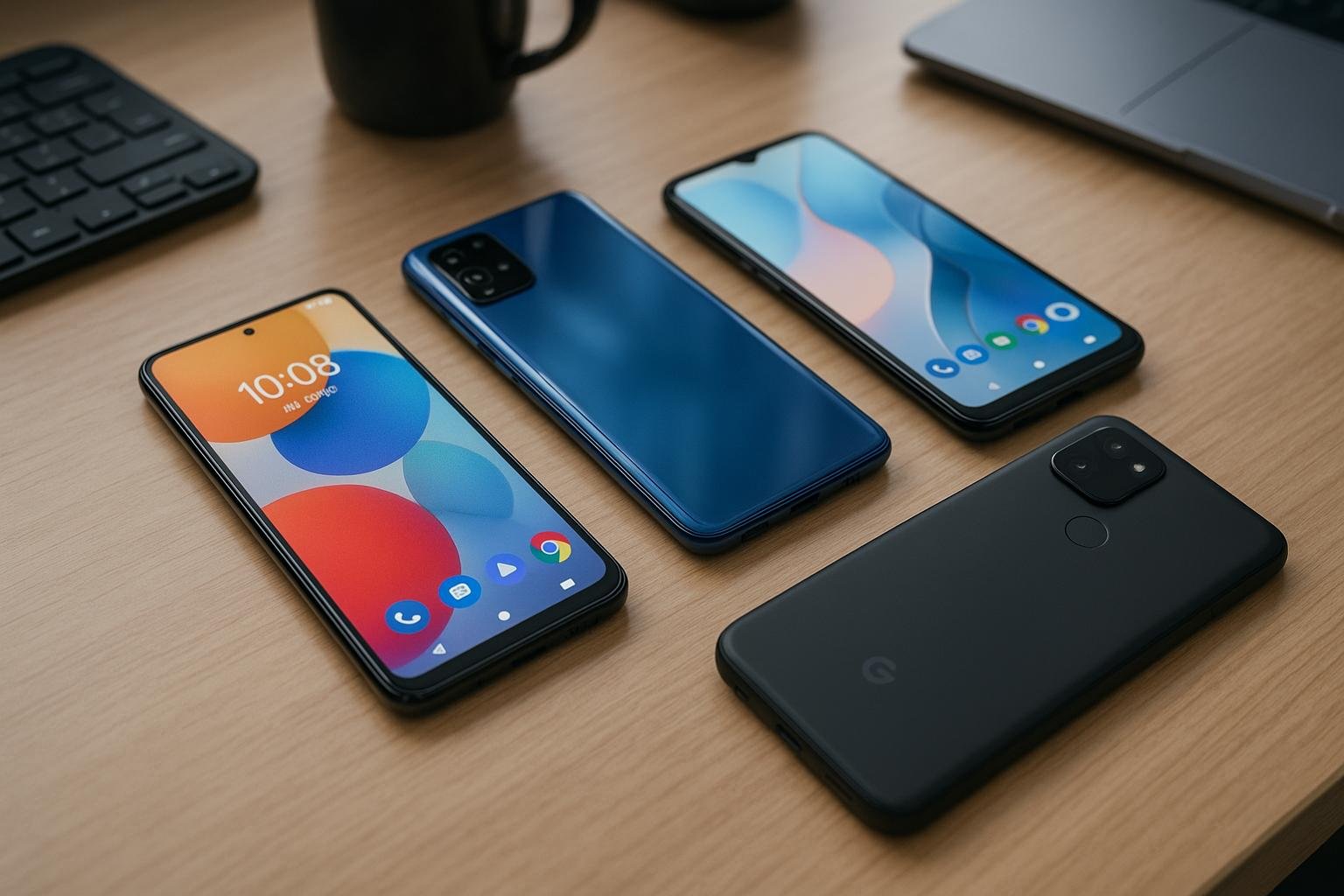
How to Choose the Best Smartphone for Your Budget 3
Buying a new smartphone can be confusing, especially when there are so many options available. Different phones offer different cameras, processors, battery capacities, displays, and storage options. Choosing the right device is not just about finding the most expensive or popular phone. It is about finding one that fits your budget and everyday needs.
At OfferBuzzo, our goal is to help you make smarter shopping decisions by understanding product features, comparing available options, and knowing what to check before making a purchase.
In this guide, you will learn how to choose a smartphone based on your budget, which features matter most, and how to avoid common buying mistakes.
1. Decide Your Smartphone Budget
Before comparing smartphones, decide how much you are comfortable spending. Your budget should include the phone itself and any essential accessories you may need.
Instead of stretching your budget for premium features you might never use, focus on the features that matter most to you.
Consider these general categories:
-
Entry-level smartphones: Suitable for basic calling, messaging, browsing, and everyday applications.
-
Mid-range smartphones: Often provide a balance of performance, camera quality, battery life, and additional features.
-
Premium smartphones: May offer advanced cameras, powerful processors, premium materials, high-quality displays, and specialized features.
These categories are general guidelines, not fixed price ranges. Available features vary by manufacturer, model, and market.
Shopping tip: Set a maximum budget before browsing. This helps you compare suitable devices without getting distracted by features you do not need.
2. Choose a Processor That Matches Your Needs
The processor plays an important role in smartphone performance. It affects how smoothly applications run, how quickly tasks are completed, and how well the phone handles demanding activities.
For everyday use
If you mainly use your smartphone for calls, messaging, social media, web browsing, and video streaming, you may not need a flagship processor.
For gaming and multitasking
If you regularly play demanding mobile games, edit videos, or switch between multiple applications, look for a capable processor with good sustained performance.
Also consider heat management and performance reviews. A powerful processor alone does not guarantee a smooth gaming experience.
What to check: Read independent reviews and look for real-world performance tests rather than judging a phone only by its processor name.
3. Check the RAM and Storage Capacity
RAM helps your smartphone keep applications running smoothly, while internal storage determines how much space is available for apps, photos, videos, and other files.
How much RAM do you need?
Your ideal RAM capacity depends on the operating system, software optimization, and the applications you use.
-
Basic users can prioritize smooth everyday performance over the largest RAM number.
-
Heavy multitaskers should consider models with more RAM and good memory management.
-
Mobile gamers should check the game’s requirements and independent performance tests.
How much storage is enough?
Think about how you use your phone:
-
If you mostly stream content and use messaging apps, your storage needs may be modest.
-
If you take many photos and videos, install large games, or download content for offline use, more storage can be helpful.
Check whether the phone supports expandable storage. Many modern smartphones do not include a microSD card slot.
Shopping tip: Choose enough storage for your expected use over the next few years, rather than relying on frequent file deletion.
4. Understand Camera Quality Before Buying
A smartphone camera is more than its megapixel count. A camera with more megapixels does not automatically produce better photographs.
Several factors affect image quality, including sensor size, lens quality, image processing, stabilization, and software.
Features worth checking
-
Main camera: Important for everyday photography.
-
Ultra-wide camera: Useful for landscapes, architecture, and group photos.
-
Telephoto camera: Helps capture distant subjects with optical zoom on supported devices.
-
Optical image stabilization (OIS): Can reduce blur caused by hand movement.
-
Front camera: Important for selfies and video calls.
-
Video recording: Check supported resolutions, frame rates, stabilization, and microphone quality.
If you frequently take photos at night, check low-light samples from independent reviewers.
If you create social media content, pay particular attention to video quality, autofocus, stabilization, and front-camera performance.
Shopping tip: Compare real photo and video samples taken in daylight, indoors, and at night. Do not select a phone based only on its camera specifications.
5. Consider Battery Life and Charging Speed
Battery life is one of the most important factors for everyday smartphone use. A larger battery may help, but actual endurance also depends on the display, processor, software, network conditions, and usage habits.
Look for independent battery tests that reflect how you use your device.
Questions to ask before buying
-
Can the phone last through your typical day?
-
Does it support fast charging?
-
Is the compatible charger included in the box?
-
Does the device support wireless charging if you need it?
-
How long does a full charge take under realistic conditions?
Charging speeds advertised by manufacturers may be measured under specific conditions. Real-world results can differ.
Shopping tip: If you travel frequently or use your phone heavily, prioritize tested battery endurance over a battery-capacity number alone.
6. Choose a Display That Feels Comfortable
You interact with your smartphone display throughout the day, so display quality can make a significant difference.
Important features include:
-
Display size: Larger screens are useful for videos and reading, while smaller phones may be easier to carry.
-
Resolution: Higher resolution can produce sharper text and images.
-
Refresh rate: Higher refresh rates can make scrolling and supported animations look smoother.
-
Brightness: A brighter display can be easier to read outdoors.
-
Display technology: OLED and AMOLED displays can offer deep blacks and strong contrast, while LCD displays can also provide a good viewing experience.
Consider how the phone feels in your hand. A large screen is not necessarily the best choice if you prefer one-handed use.
Shopping tip: Compare display brightness, outdoor visibility, color quality, and viewing comfort whenever possible.
7. Check Software Updates and Security Support
A smartphone should remain useful and secure after the day you buy it. Software support is therefore an important part of its long-term value.
Before purchasing, check:
-
How long the manufacturer promises operating system updates.
-
How long security updates are expected to continue.
-
Whether the phone is running a current supported software version.
-
Whether the manufacturer has a reliable history of delivering updates.
-
Whether the device includes unnecessary preinstalled applications you may not want.
Update policies differ between manufacturers and models, so verify the exact commitment for the device you are considering.
Shopping tip: A phone with dependable software support may be a better long-term purchase than a device with more impressive specifications but a shorter support period.
8. Compare Connectivity and Essential Features
A smartphone may look excellent on paper but still lack a feature that matters to you.
Check the following before making your decision:
-
5G support: Verify compatibility with your mobile carrier and the bands used in your area.
-
Dual SIM: Useful if you maintain separate personal and work numbers.
-
NFC: Needed for certain contactless payment and pairing features.
-
Fingerprint sensor or face unlock: Consider convenience and security.
-
Water and dust resistance: Check the device’s official IP rating and warranty exclusions.
-
USB connectivity: Check the port type and supported data-transfer capabilities.
-
Wi-Fi and Bluetooth: Verify compatibility with your existing devices and accessories.
Not every smartphone includes all these features. Decide which ones you genuinely need before comparing models.
9. Compare Prices, Warranty, and Retailer Reliability
Once you have shortlisted a few smartphones, compare the complete purchase rather than looking at the advertised price alone.
The final amount may be affected by delivery fees, optional accessories, payment conditions, exchange offers, and other terms.
What to compare
Total cost: Check the final payable amount at checkout.
Warranty: Understand the manufacturer’s warranty duration, coverage, and exclusions.
Seller reliability: Purchase from a reputable retailer and verify the seller’s identity when using a marketplace.
Return policy: Read the eligibility conditions and return window before placing an order.
Product authenticity: Check that the product is genuine, sealed where applicable, and sold with the appropriate warranty.
Discount claims: Compare the current selling price with other reputable sellers. Do not assume that a large advertised discount always represents the best value.
Shopping tip: A slightly higher-priced option from a reliable seller may be preferable to an uncertain deal with unclear warranty or return conditions.
10. Decide Which Smartphone Features Matter Most to You
The best smartphone depends on your priorities. Use this guide to identify the features worth emphasizing during your search.
| Your main priority | Features to prioritize |
|---|---|
| Everyday use | Reliable performance, battery life, software support |
| Photography | Camera quality, image processing, stabilization |
| Gaming | Sustained performance, thermal management, display |
| Work and multitasking | Performance, RAM, storage, connectivity |
| Travel | Battery life, network compatibility, durability |
| Content creation | Video quality, stabilization, storage, microphone |
| Long-term ownership | Software support, battery endurance, warranty |
Use these priorities to narrow your options before comparing individual models.
Practical Smartphone Buying Checklist
Before purchasing a smartphone, work through this checklist.
Budget and performance
-
Set a realistic maximum budget.
-
Identify your main smartphone activities.
-
Check independent performance reviews.
-
Select suitable RAM and storage capacity.
Camera and battery
-
Review real-world camera samples.
-
Check low-light photography if it matters to you.
-
Compare tested battery endurance.
-
Verify charging speed and charger availability.
Display and software
-
Choose a comfortable screen size.
-
Check outdoor brightness and display quality.
-
Verify the manufacturer’s software update policy.
-
Confirm support for essential applications.
Purchase and after-sales support
-
Confirm network and SIM compatibility.
-
Compare final prices across reputable retailers.
-
Review warranty and return conditions.
-
Check seller ratings and product authenticity.
-
Read the terms of any exchange or promotional offer.
Completing this checklist can help you make a more informed purchase and avoid paying extra for features you do not need.
Frequently Asked Questions (FAQs)
1. How do I choose the best smartphone for my budget?
Start by setting a spending limit and identifying your main needs. Compare performance, camera quality, battery life, storage, software support, and warranty. Choose the phone that meets your requirements without exceeding your budget unnecessarily.
2. Is a phone with more RAM always better?
No. RAM is only one part of smartphone performance. The processor, operating system, software optimization, and your applications also matter. Choose sufficient RAM for your intended use instead of paying extra solely for a larger number.
3. Are more megapixels better for smartphone photography?
Not necessarily. Image processing, sensor size, lens quality, stabilization, and lighting also influence photo quality. Compare real-world camera samples before making a decision.
4. How much smartphone storage should I choose?
Your storage needs depend on the number of applications, photos, videos, and downloaded files you keep. If you record videos or install large games frequently, consider a higher storage capacity.
5. Should I buy a 5G smartphone?
Consider a 5G phone if you want access to compatible 5G networks and plan to keep your device for several years. Confirm that the device supports your carrier’s network bands and that 5G coverage is available where you use it.
6. How important are software updates?
Software updates help maintain security, improve compatibility, and sometimes introduce new features. Check the manufacturer’s official update commitment for the specific model before purchasing.
7. How can I find a genuine smartphone deal online?
Compare prices from reputable retailers, verify the seller, review warranty and return conditions, and calculate the final checkout price. Be cautious of unusually low prices and unclear promotional terms.
8. When is the right time to upgrade my smartphone?
Consider upgrading when your current device no longer meets your needs, its battery performance has significantly declined, it lacks essential features, or it no longer receives important security updates. You do not necessarily need a new phone every year.
Conclusion
Choosing the best smartphone for your budget becomes easier when you focus on what matters most to you. Processor performance, camera quality, battery life, storage, display comfort, software support, and after-sales service all contribute to the overall experience.
Take time to compare suitable options, verify specifications, and check the final purchase conditions before deciding. The right smartphone is not necessarily the most expensive one; it is the device that offers the features, reliability, and value you need.
At OfferBuzzo, we aim to make shopping decisions simpler with practical buying guides, product information, and helpful comparison tips. Use these recommendations to evaluate your options and choose your next smartphone with confidence.
Editorial note: Smartphone specifications, availability, warranty terms, and retailer prices can change. Verify the latest information with the manufacturer or retailer before purchasing.

Fusce vitae nibh mi. Integer posuere, libero et ullamcorper facilisis, enim eros tincidunt orci, eget vestibulum sapien nisi ut leo. Cras finibus vel est ut mollis. Donec luctus condimentum ante et euismod.
Vivamus non odio sed quam fermentum convallis. Mauris feugiat fermentum metus, eget ullamcorper magna tempor at.
Suspendisse potenti. Vestibulum ante ipsum primis in faucibus orci luctus et ultrices posuere cubilia curae; Proin vel arcu vel sapien mollis posuere.